Steve

Steve keeps busy with five children and a job in information security. He also has a second job as principal of the Hodgepodge homeschool.


As part of our 10 Days of Lasagna Learning: Teaching Multiple Ages at Hodgepodge, I shared a post called Technology for All Ages. A few readers were particularly interested in a resource I mentioned called Lynda.com, so I thought I would share a little more here. Lynda.com is a subscription online training library. For $25.00 monthly, over one thousand courses can be viewed online.

This introductory video explains how Lynda.com works.

There are classes from beginners to experts. You can pause, rewind, view one tutorial at a time or view an entire course in one area.

Lynda.com training covers a variety of topics, including:

  • Photography
  • Photoshop
  • Home Computing
  • Web + Interactive
  • 3D + Animation
  • Developer                                                     
  • Audio
  • Video
  • Business
  • Microsoft
  • Apple
  • Avid
  • Adobe
  • Dreamweaver
  • ActionScript
  • Final Cut Pro

Learn C on the Mac supplementing Lynda.com Objective C course

Our eldest son is using the Lynda.com library to learn computer programming.  The courses are engaging, and the lecturers really know their topics. One of the best things about Lynda.com is that 10% of the training catalog is available free.  You can truly “try before you buy”. There is no long-term commitment, you may cancel the subscription at any time.

You might want to check out:

Thanks to our friends at Crowe’s Nest Media for pointing us to this great resource. We look forward to many hours of online training and instruction from Lynda.com.

~Steve keeps busy with five children and a job in information security. He has a second job as principal of the Hodgepodge homeschool and also writes for Habits for a Happy Home and Passionate Purposeful Parenting. You can find more of his technology reviews here at Curriculum Choice.


Don’t miss the giveaway at the end of this review. We’re giving away five App Store redemption codes for the Apologia Biology flashcards app!
With a variety of educational titles available, both the iPhone and the iPad are great teaching tools. An amazing variety of subjects are available. This month, we look at the science category, with Apologia Biology flashcards iPad app by iHomeEducator.

Apologia Biology Flashcards is another engaging title; a complimentary app to the high school level Apologia Biology text.

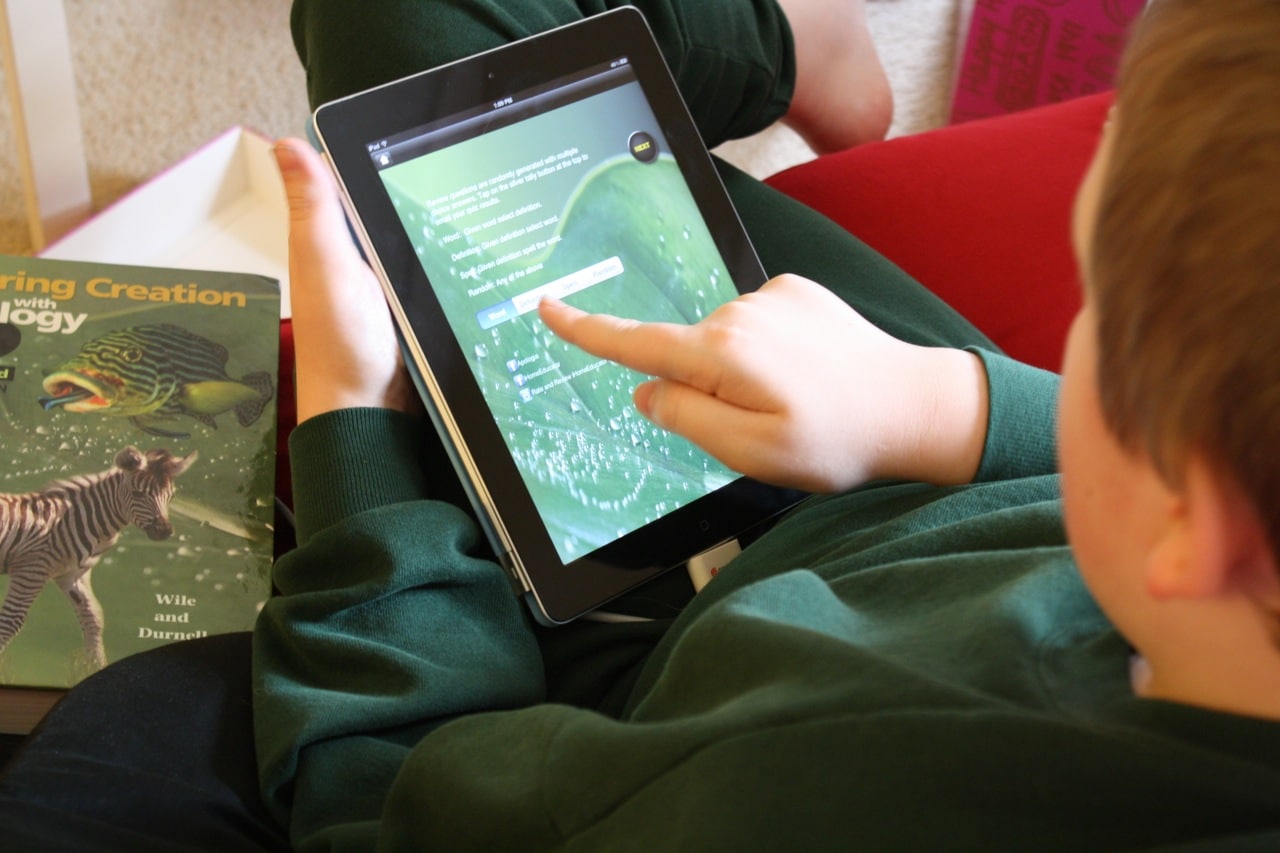
There is a section for each chapter in the Biology text. There are four drill modes included. Your student can choose from four different review types:

  • Word – When given a word, select the proper definition;
  • Definition – When given a definition, select the proper word;
  • Spell – When given the definition, spell the word;
  • Random – A randomized selection of the drill modes.

If your student needs repetition and drilling on biology definitions, Apologia Biology flashcards definitely fills that need. The student can also review his or her quiz and even email a copy to the teacher.

Some things I noticed: (1) The app is case sensitive (this is disclosed on their website). Not capitalizing an answer causes it to be wrong (e.g., thorax was counted wrong when Thorax was the correct answer). (2) a couple of typos

In summary, Apologia Biology flashcards is an app that relies on repetition as its teaching method. It is as its name says: flashcards. It is a high tech flash card deck.

Our seventh and eighth graders love using it. Seventh grader says, “it helps me remember what I’ve learned from the Biology book.”

Enjoy this demo video from the iHomeEducator site:

Now for the giveaway!

a Rafflecopter giveaway

*View the rest of my app reviews here.

~Steve keeps busy with five children and a job in information security. He has a second job as principal of the Hodgepodge homeschool and also writes for Habits for a Happy Home and Passionate Purposeful Parenting.

Pin It
 

Both the iPhone and the iPad have become teaching tools. Educational apps abound, with an amazing variety of subjects available. This month, we look at the Language Arts category, with Letter Writer Ocean by Barking Dog Interactive.

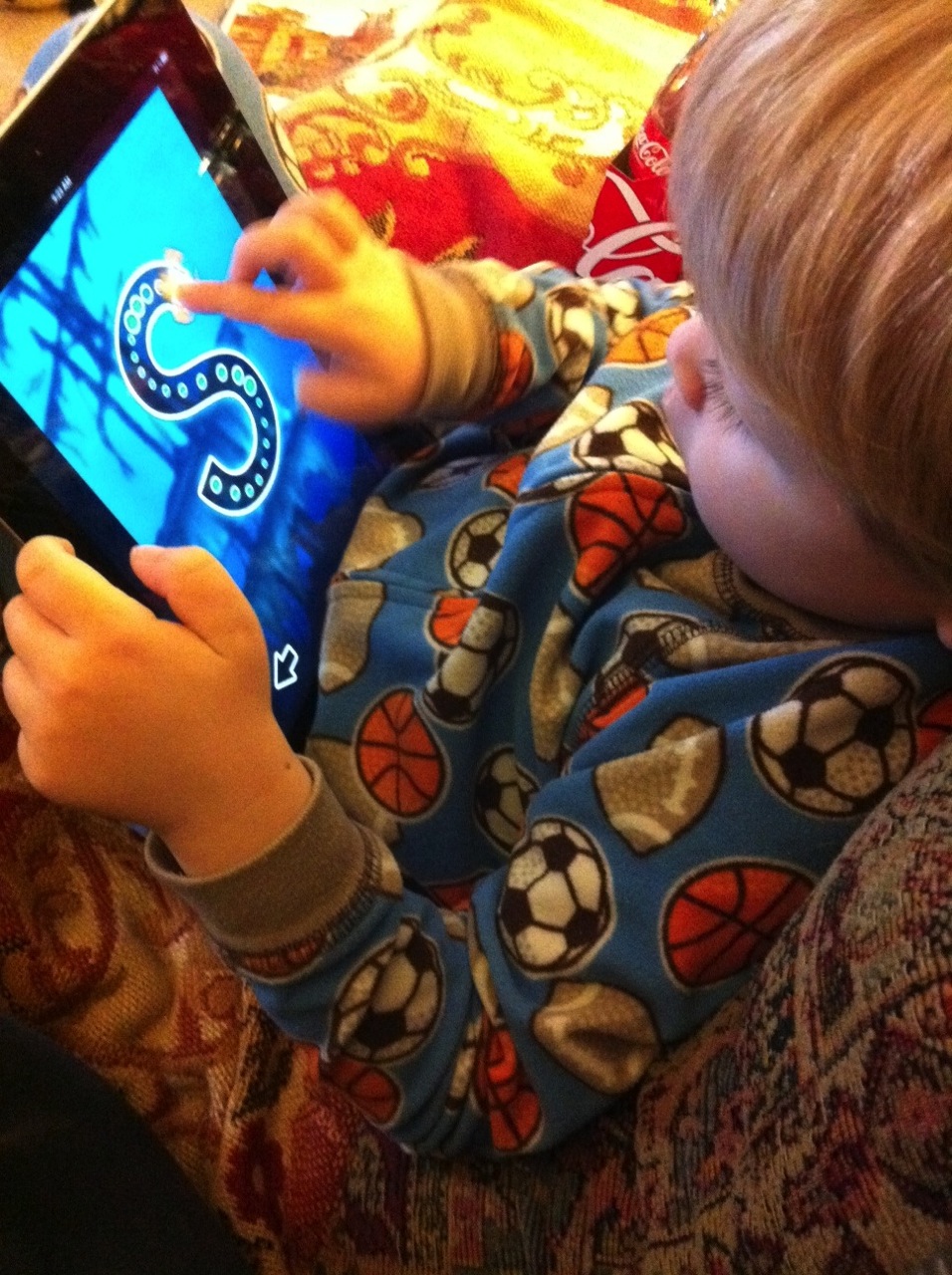
Letter Writer Ocean is another engaging title; a game that uses the iOS technology to teach writing. It is geared toward preschoolers who are just beginning to write.  It teaches the correct method of writing the letters of the alphabet. You dive beneath the ocean surface to find the letters floating below.

The object of the game is to “draw” the letters correctly.  The letters float beneath the ocean’s surface, and tapping on a letter causes it to float alone on the screen.  A friendly fish guides your finger to the correct starting point.  As you drag your finger along the letter’s lines, the friendly fish follows your finger–as long as you correctly follow the lines of the letter.


After successfully completing a letter, you earn a starfish.  After earning four starfish, a poem about the letter is unlocked.  Tapping an open book on the screen, the app reads the poem about the letter.

There are different animated backgrounds for each letter, with undersea adventures occurring behind every practice letter.

Letter Writer Ocean is a simple app that teaches an important skill.  Our preschoolers love using it.

Enjoy this video of the game.

  • Available from the iTunes store for .99
  • iPhone app which can also be enjoyed on the iPad. “Compatible with iPhone, iPod touch, and iPad. Requires iOS 3.1.2 or later.”
  • View screen shots at Barking Dog Interactive.
  • You might also like Letter Writer Space, which “does for astronomy and the space program what Oceans does for oceanography.

~Steve keeps busy with five children and a job in information security. He has a second job as principal of the Hodgepodge homeschool and also writes for Habits for a Happy Home and Passionate Purposeful Parenting.

Pin It
 

The iPad has become a teaching tool. Educational apps abound, with an amazing variety of subjects available. In the geography category, we have Stack the States by Dan Russell-Pinson.

Stack the States is both fun and educational; a game that uses some of the best mobile features – interaction and manipulation. While learning about the 50 states by answering questions about them, this app requires critical thinking skills as well. Your brainpower is tested in your ability to stack your states successfully.

Continue reading »

Pin It
© 2011-2012 The Curriculum Choice All rights reserved. DMCA Notice